A business builds its menu, the customer orders over WhatsApp.
Catalog, orders, cash and customer service in one panel; the order travels as a message.
Four themes, one platform.
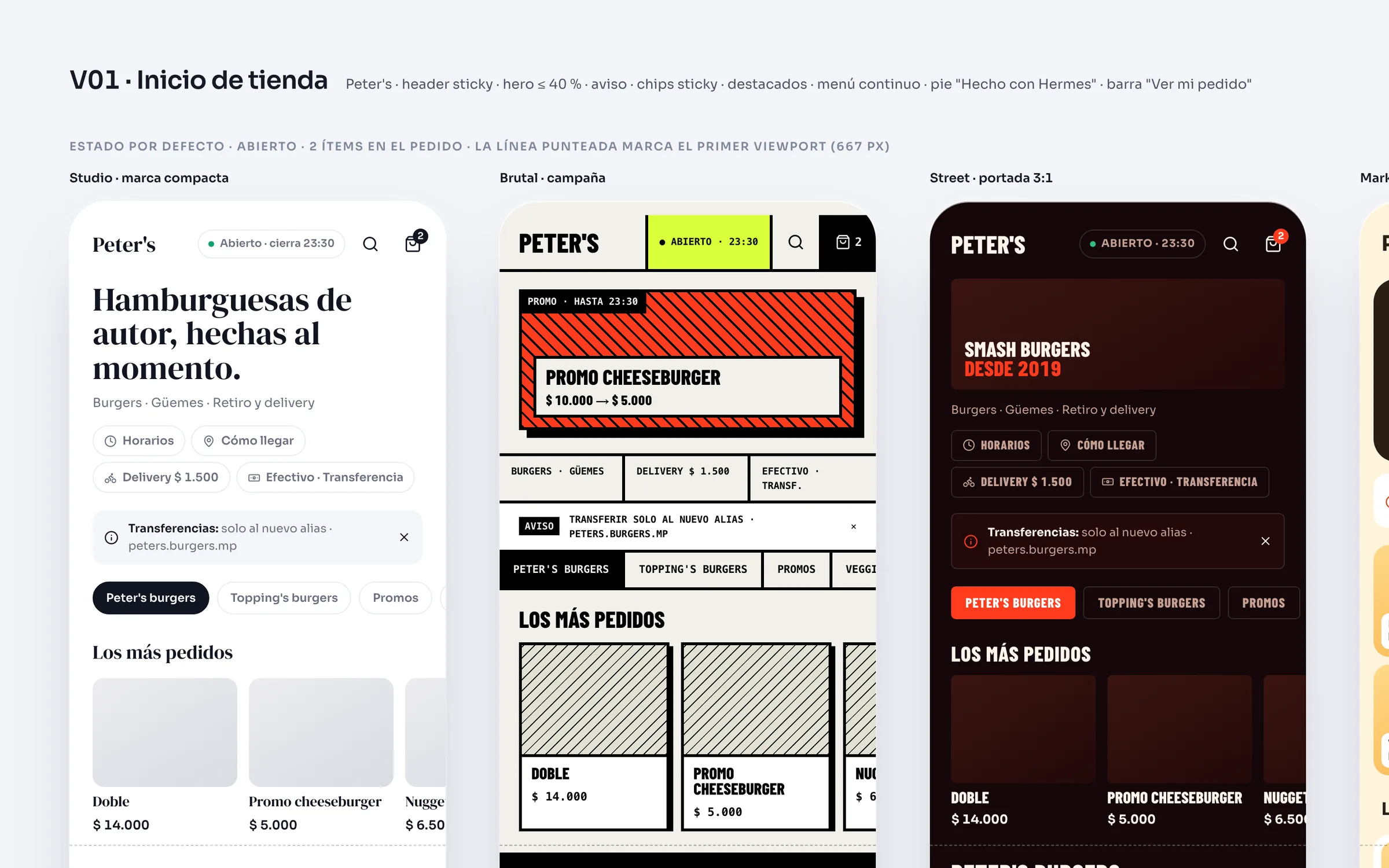
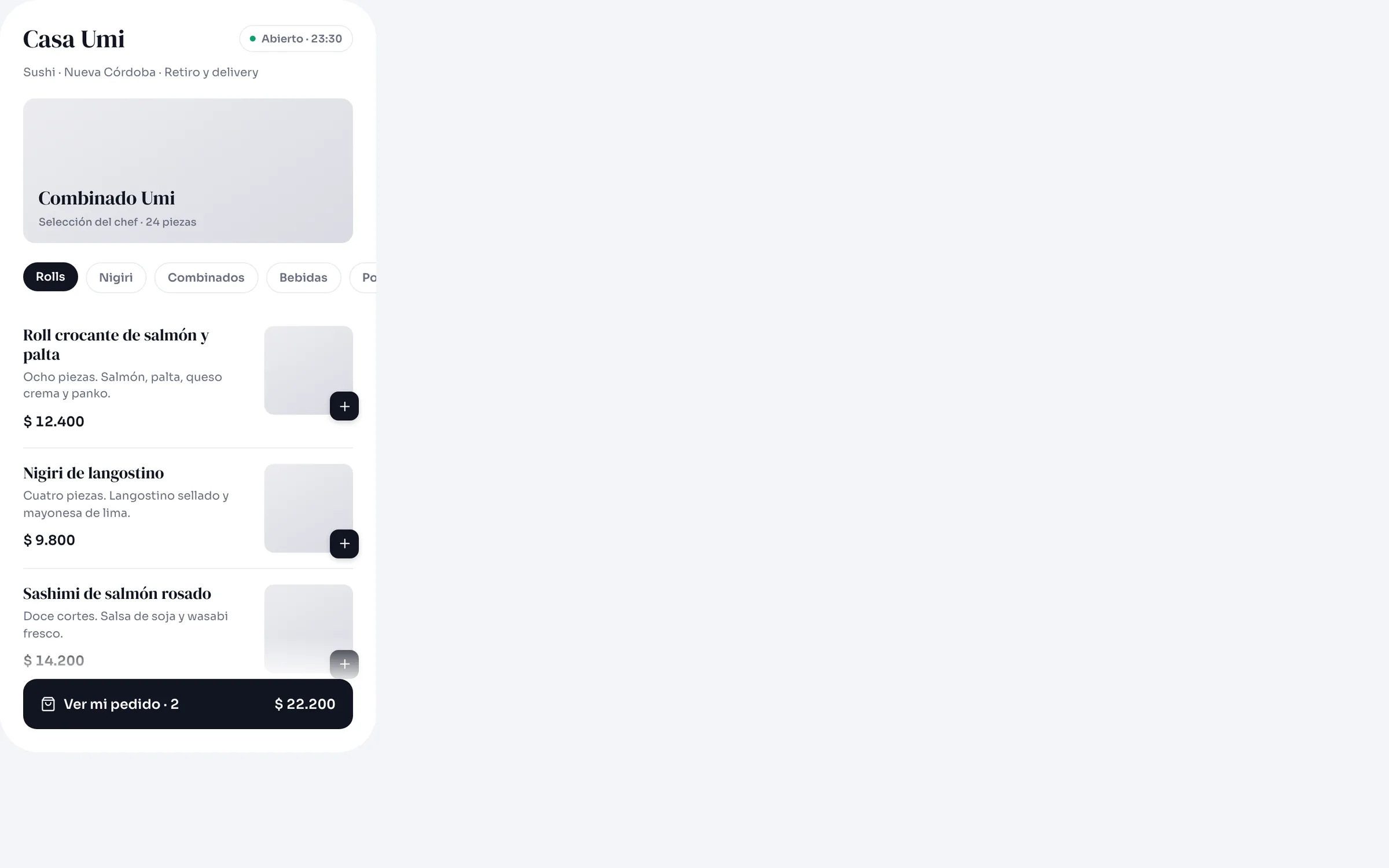
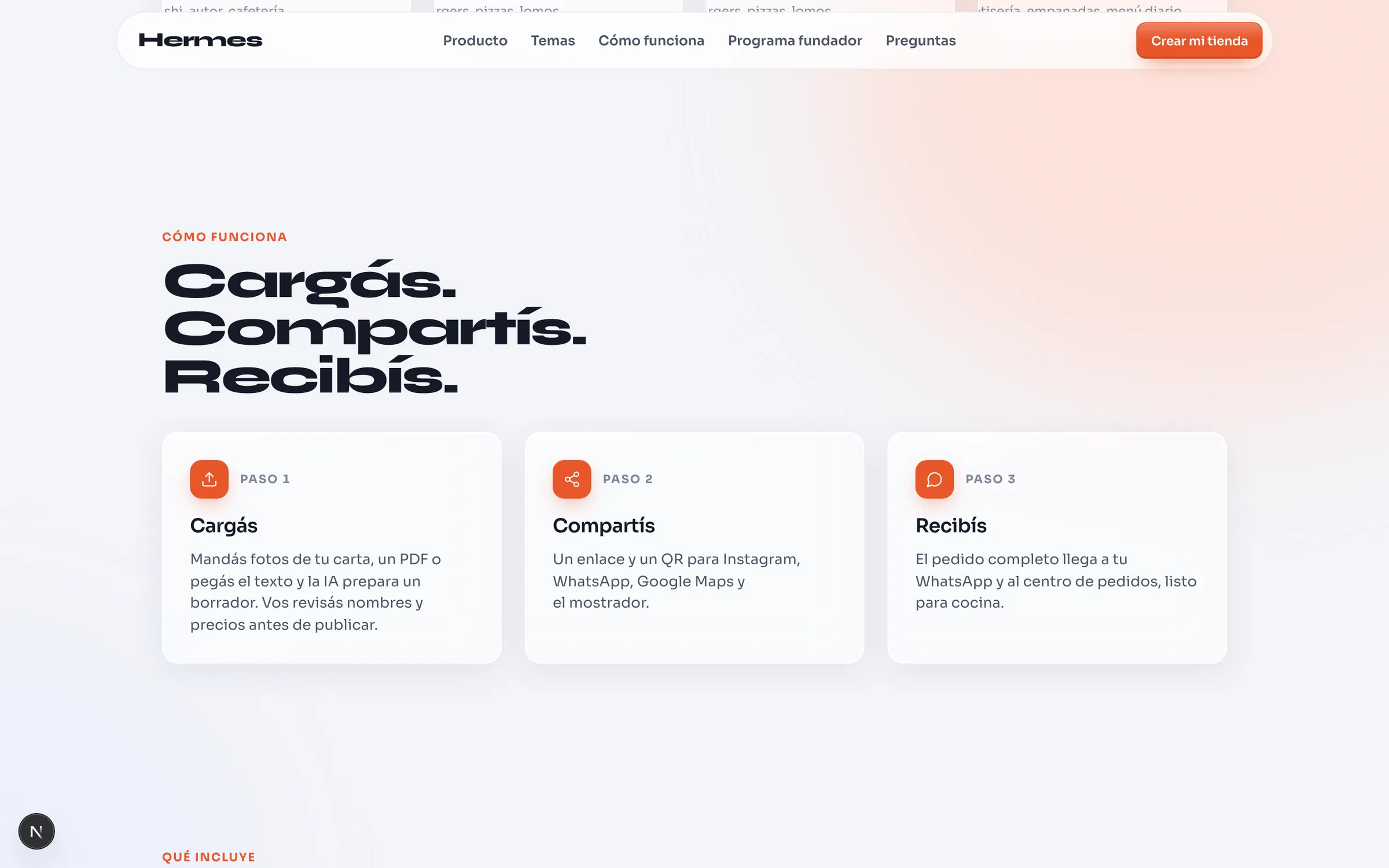
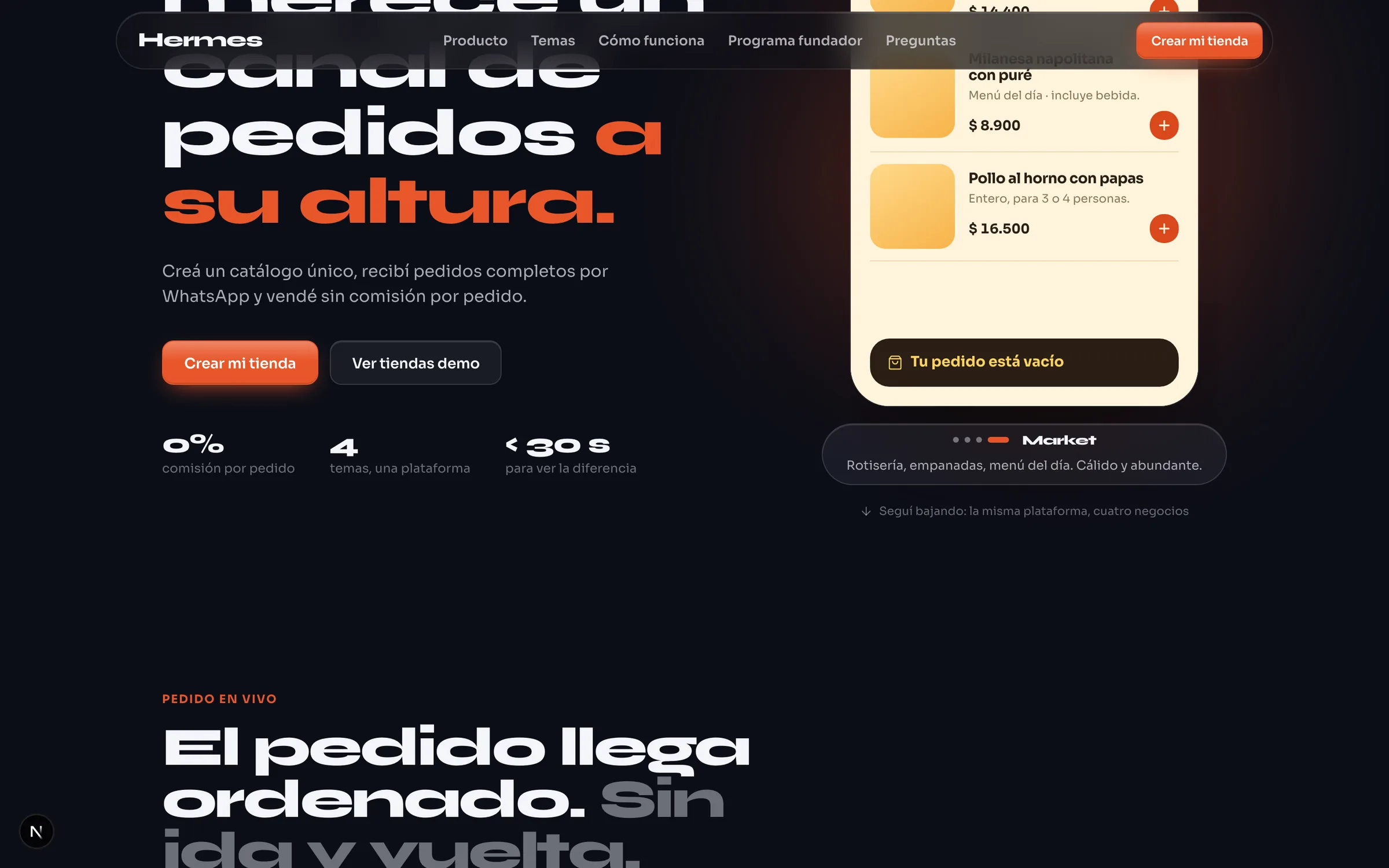
The business loads its menu from the panel and Hermes publishes a branded web store, ready to share as a link or a QR code, with no app to install. Customers browse the catalog, build the order and send it as a WhatsApp message: no sign-up, no password and no commission per order.
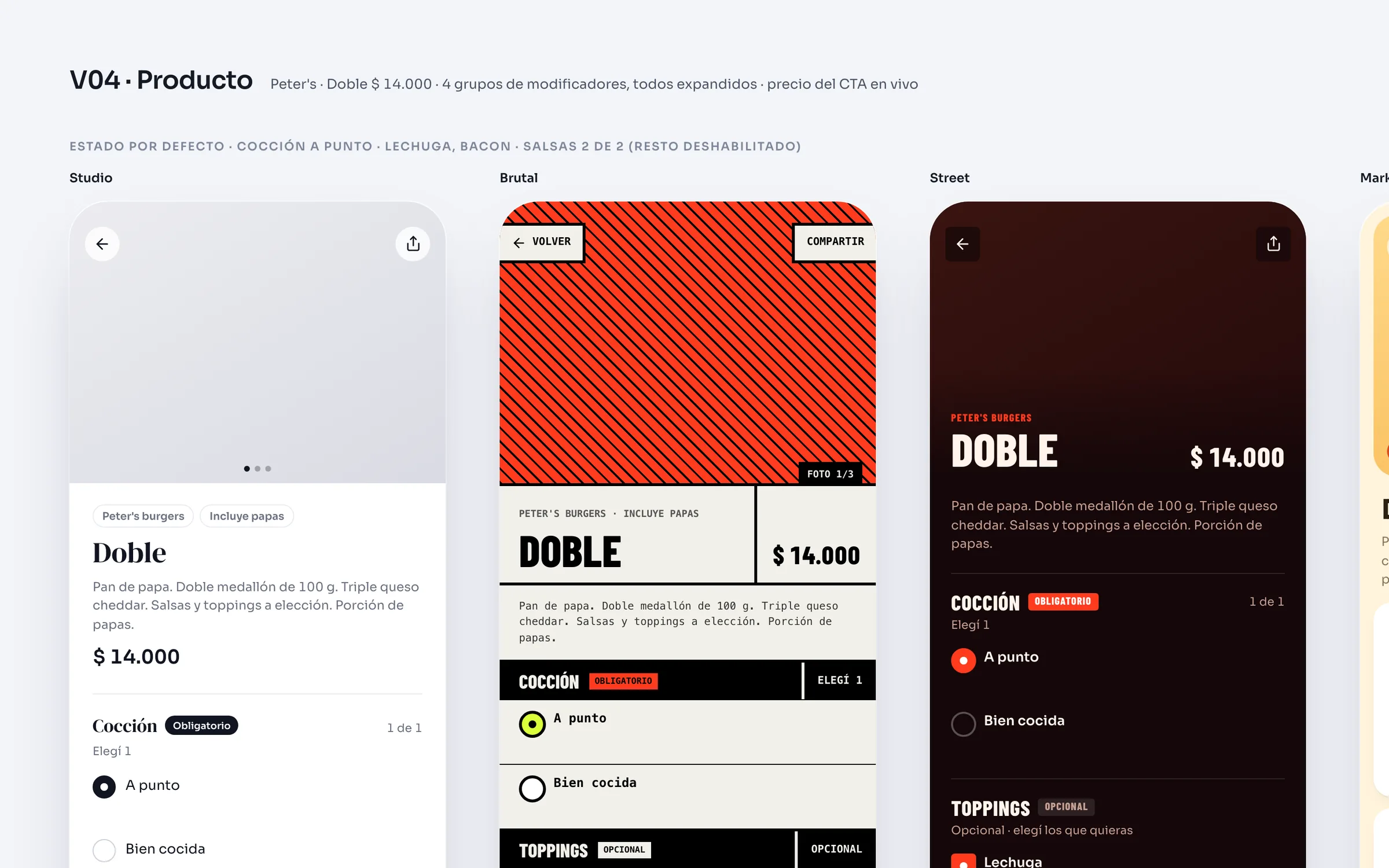
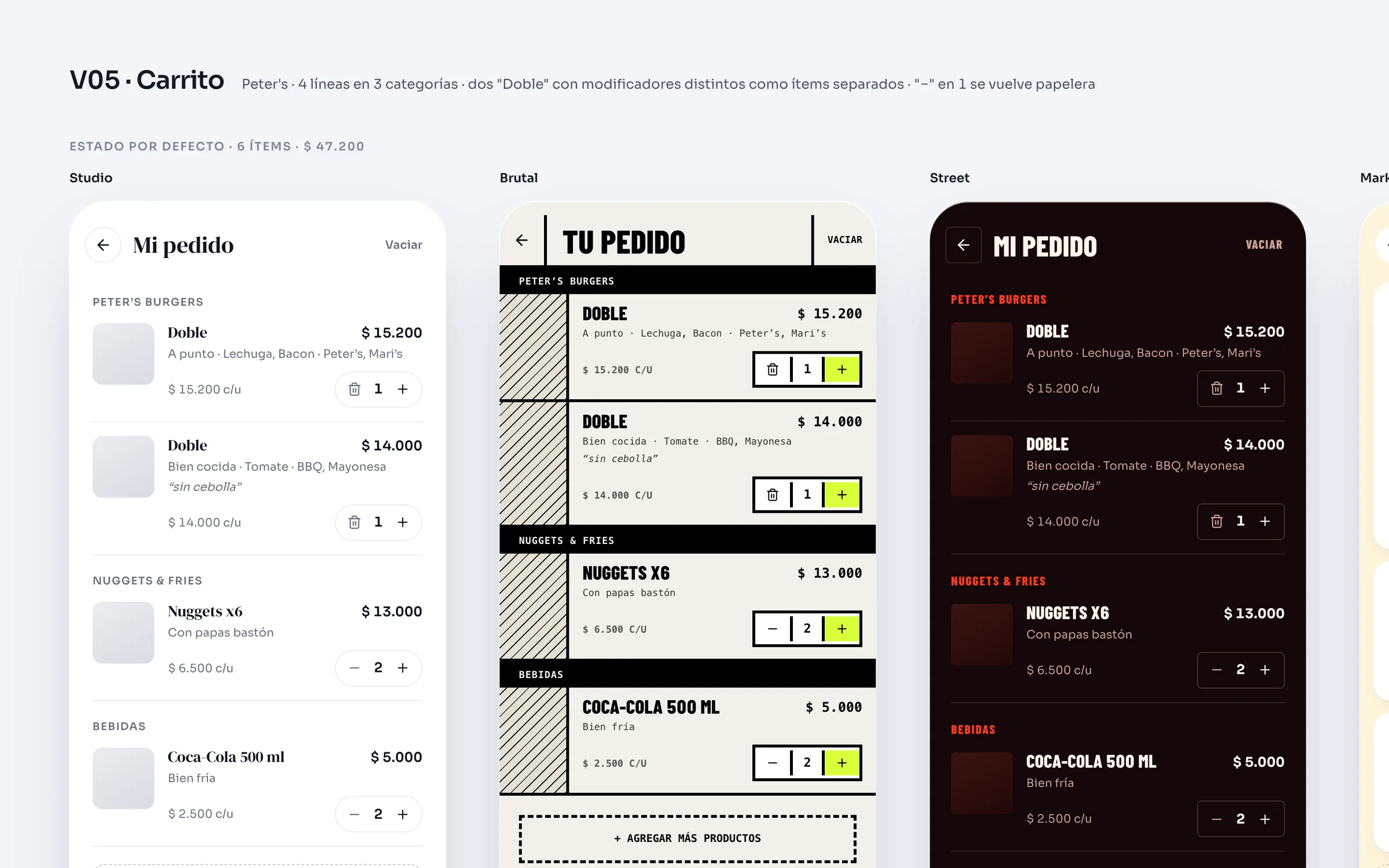
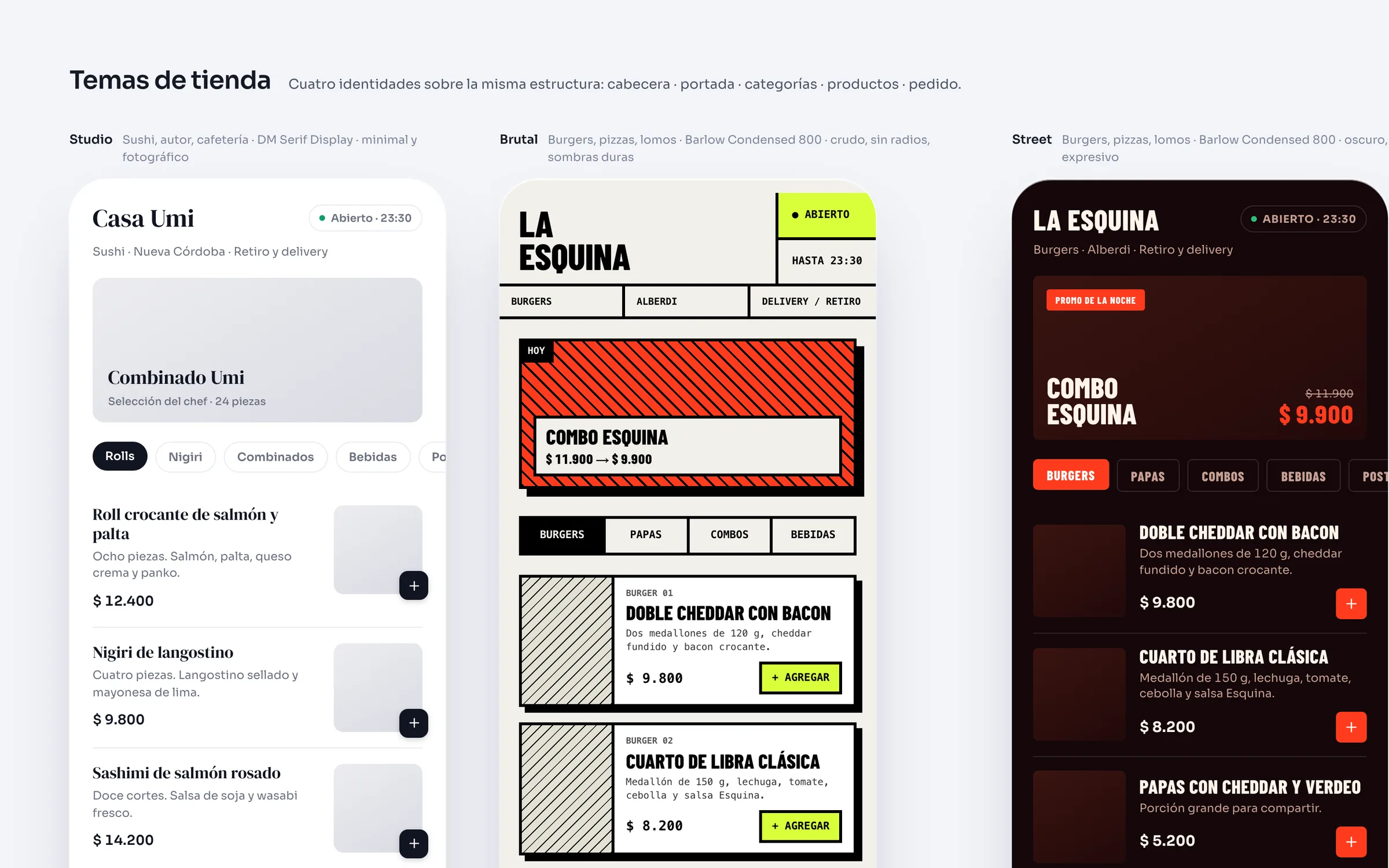
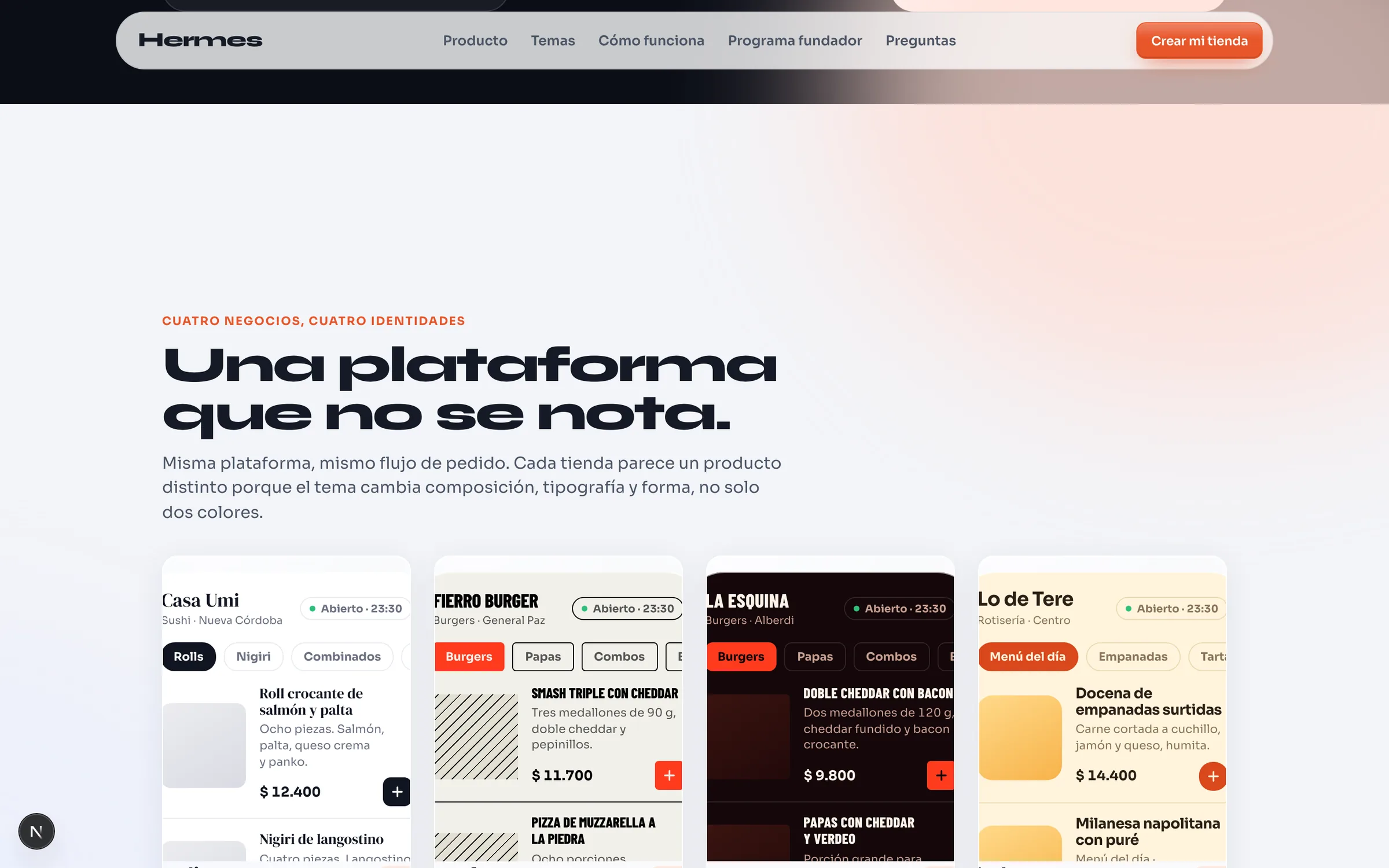
The theme engine does not swap two hues: it changes the composition. Studio, Brutal, Street and Market each apply their own type family, weight and case, a different radius, 10, 0, 4 and 16 pixels, and another background and button over the same menu. Four demo businesses, Casa Umi, Fierro Burger, La Esquina and Lo de Tere, show the difference in under 30 seconds.
- 4
- themes, one platform
- 0 %
- commission per order
- < 30 s
- to see the difference
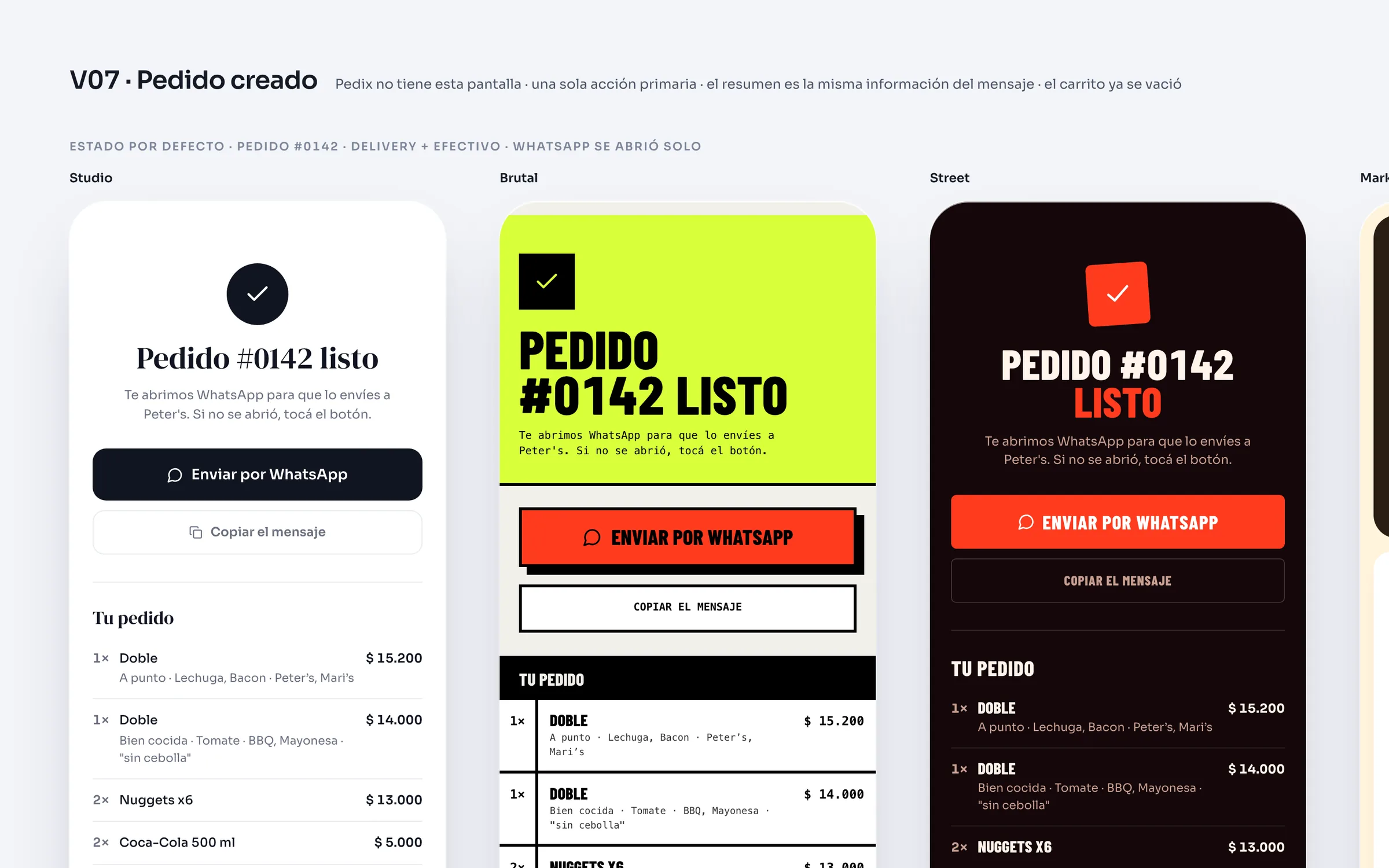
The order travels as a message.
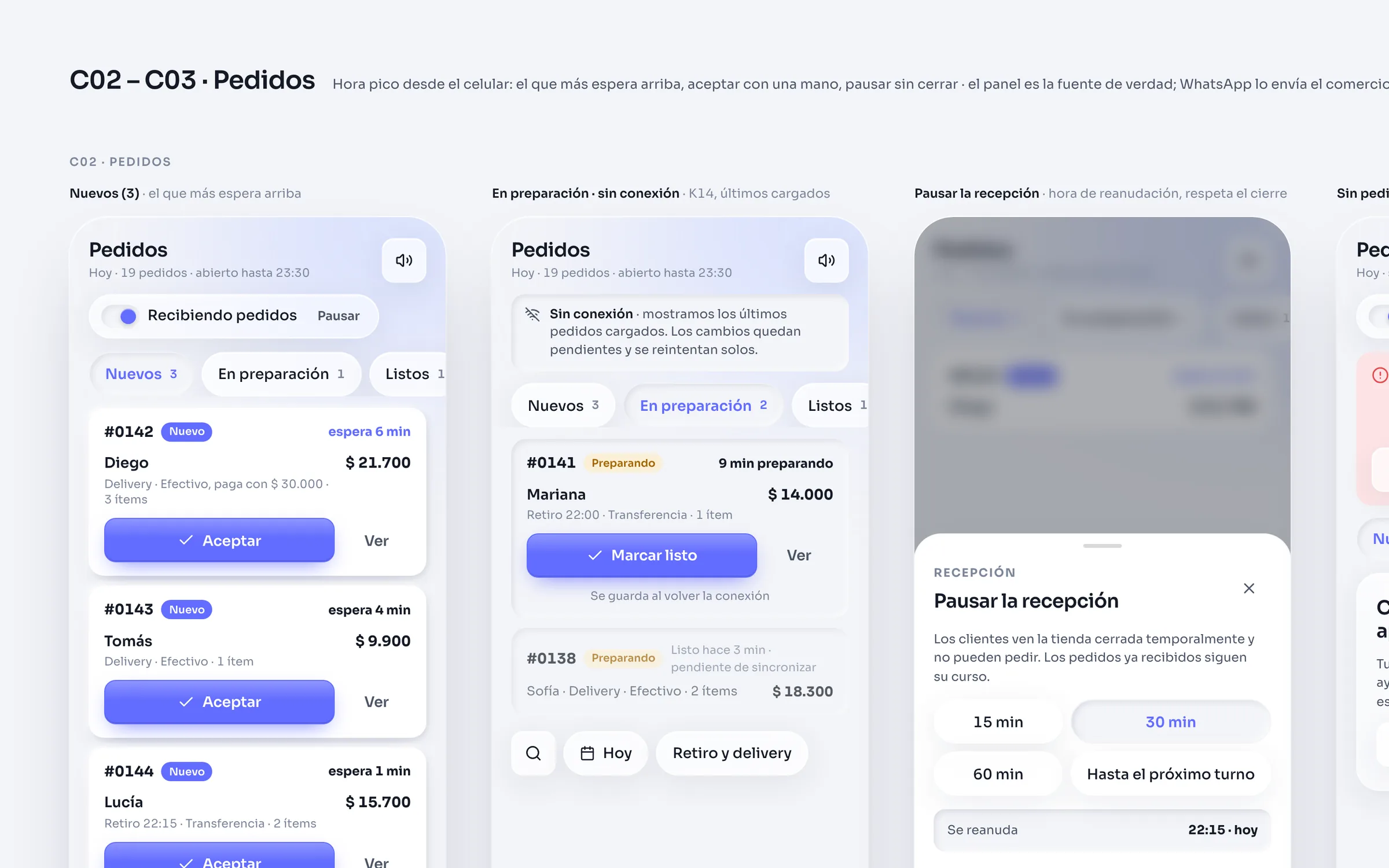
The customer picks from the catalog, adjusts size, doneness and extras, confirms total and delivery, and the order goes out as a WhatsApp message with the full detail. The same order is recorded in the order centre: the panel is the source of truth and WhatsApp is the channel that carries it.
From the panel the business accepts with one hand, marks each status, new, confirmed, preparing, ready, sent or cancelled, and pauses reception for 15, 30 or 60 minutes or until the next shift, without closing the store. Offline, changes queue and retry on their own. What Hermes cannot see is whether the message arrived: that is why there is no delivery tick.
- 6
- order statuses
- 15 · 30 · 60
- minutes of pause, or until the next shift
Rush hour from a phone.
The order centre is built for rush hour and for one hand: the order that has waited longest on top, accept with one tap, pause reception without closing. If the connection drops it shows the last orders loaded and changes stay pending until it is back.
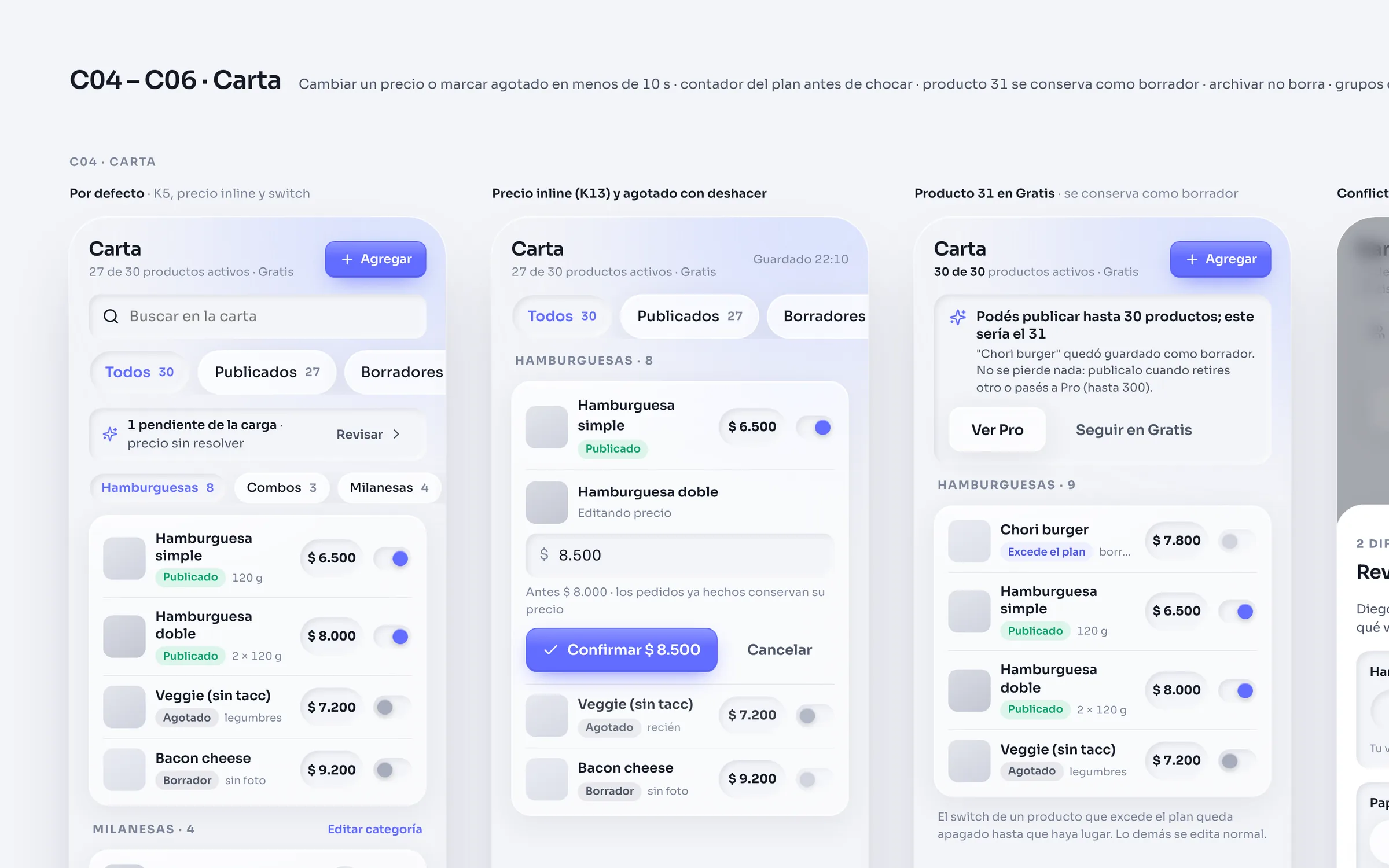
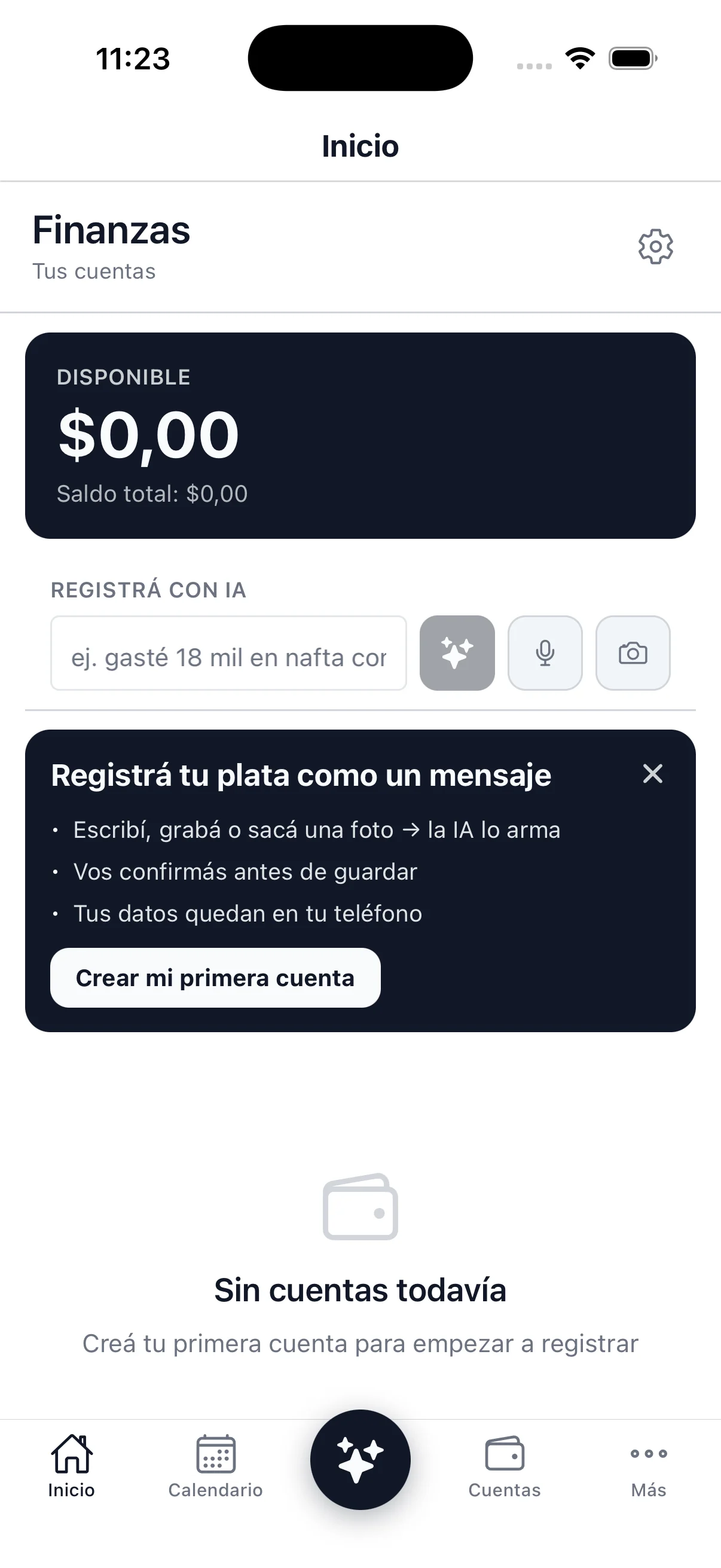
The home has one main task according to the real state of the business: load the menu, confirm the details, set up reception, test and publish. No charts until there are orders to chart. These screens are design canvases: the panel is partially implemented.
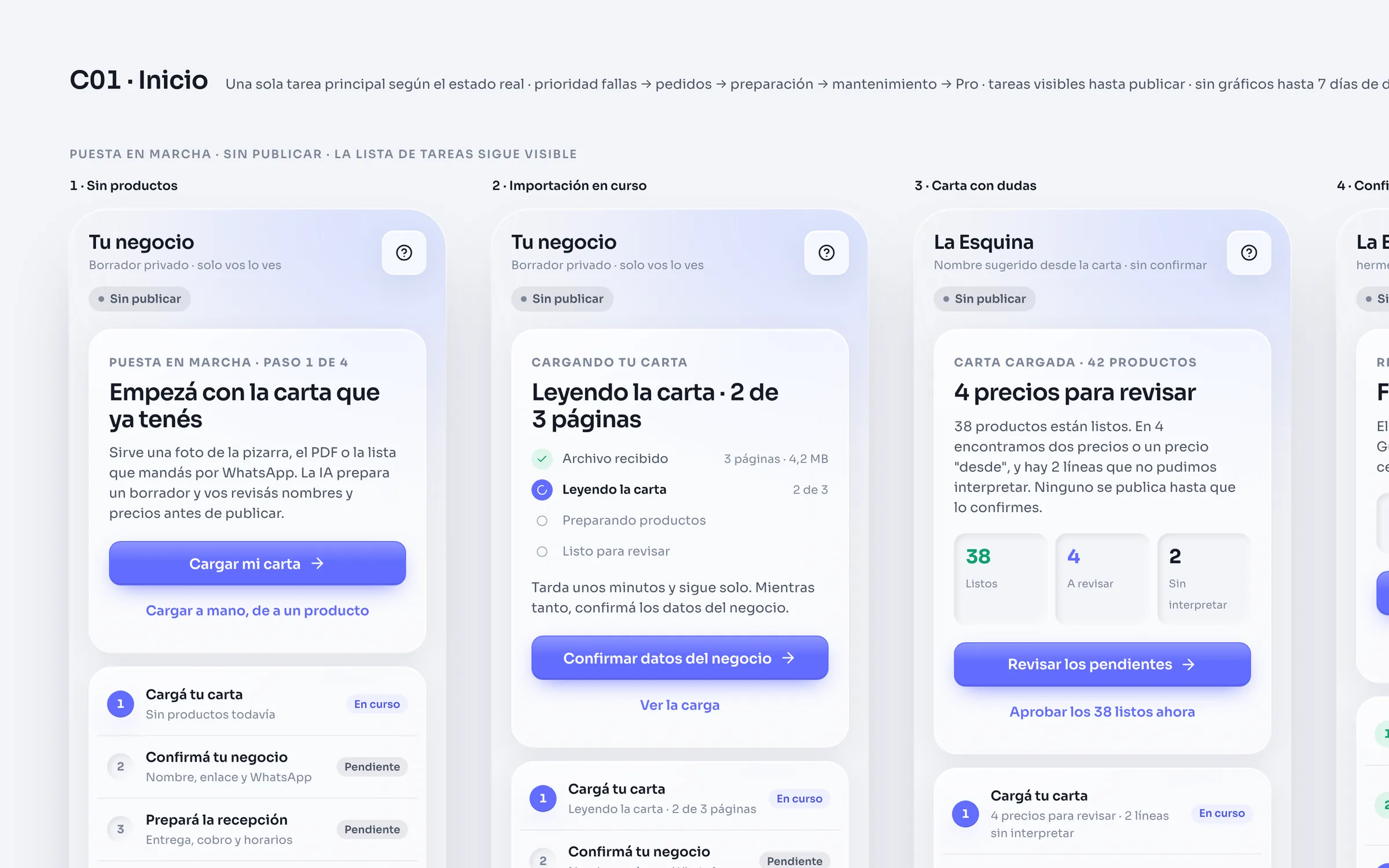
Menu photos in, candidates with evidence out.
Loading the menu is every business's first task and the one that takes longest. Hermes accepts photos of the printed menu, a PDF or the list already sent over WhatsApp, and the AI prepares a draft: every candidate carries its name, the text fragment it came from and its price.
A price whose digits do not appear in its fragment is not invented: it stays empty and is flagged as a conflict to review, never set to zero. In the spike over eight real menu pages, 163 items came out and 202 prices were kept for USD 0.024; a ten-photo load costs around USD 0.025. Free plan: 30 products and one AI load; Pro: 300 products and five loads.
- 8
- real menu pages
- 163
- items
- 202
- prices kept
- USD 0.024
- cost of the spike
A session that knows what state it is in.
Messages go out through a gateway of our own: Fastify with multi-device Baileys and the auth state kept in Postgres. The session is an explicit state machine, disconnected, QR pending, connecting and connected, with two terminal states that never retry on their own: logged out, which asks for a new scan, and banned.
The limits are explicit too. The QR refreshes up to six times and then stops; reconnection waits 2 to 60 seconds between attempts, eight at most; outbound messages are spaced 1 to 1.5 seconds apart. Hermes does not observe message delivery, so it promises no ticks.
- 6
- session states, two terminal
- 6
- QR refreshes, then it stops
- 2 → 60 s
- backoff, 8 attempts at most
- 1 – 1.5 s
- between outbound messages
The landing dawns as you scroll.
Hermes holds two worlds in one product. The brand is night: a near-black backdrop, one warm ember and a glass nav. The product is day, Cristal Preciso: cold near-white, dark ink, one indigo accent, glass materials, hairlines and pill chips, with a blurred colour blob drifting slowly.
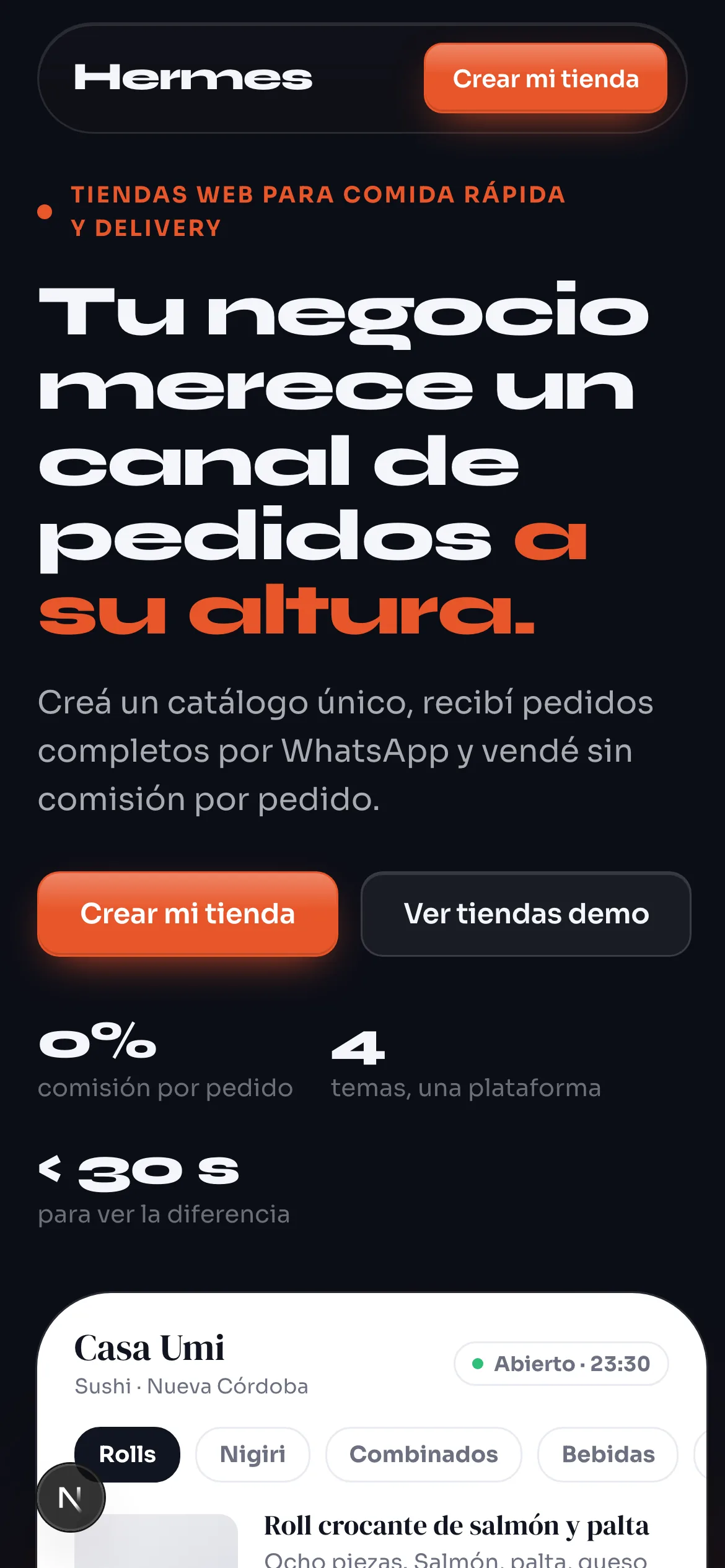
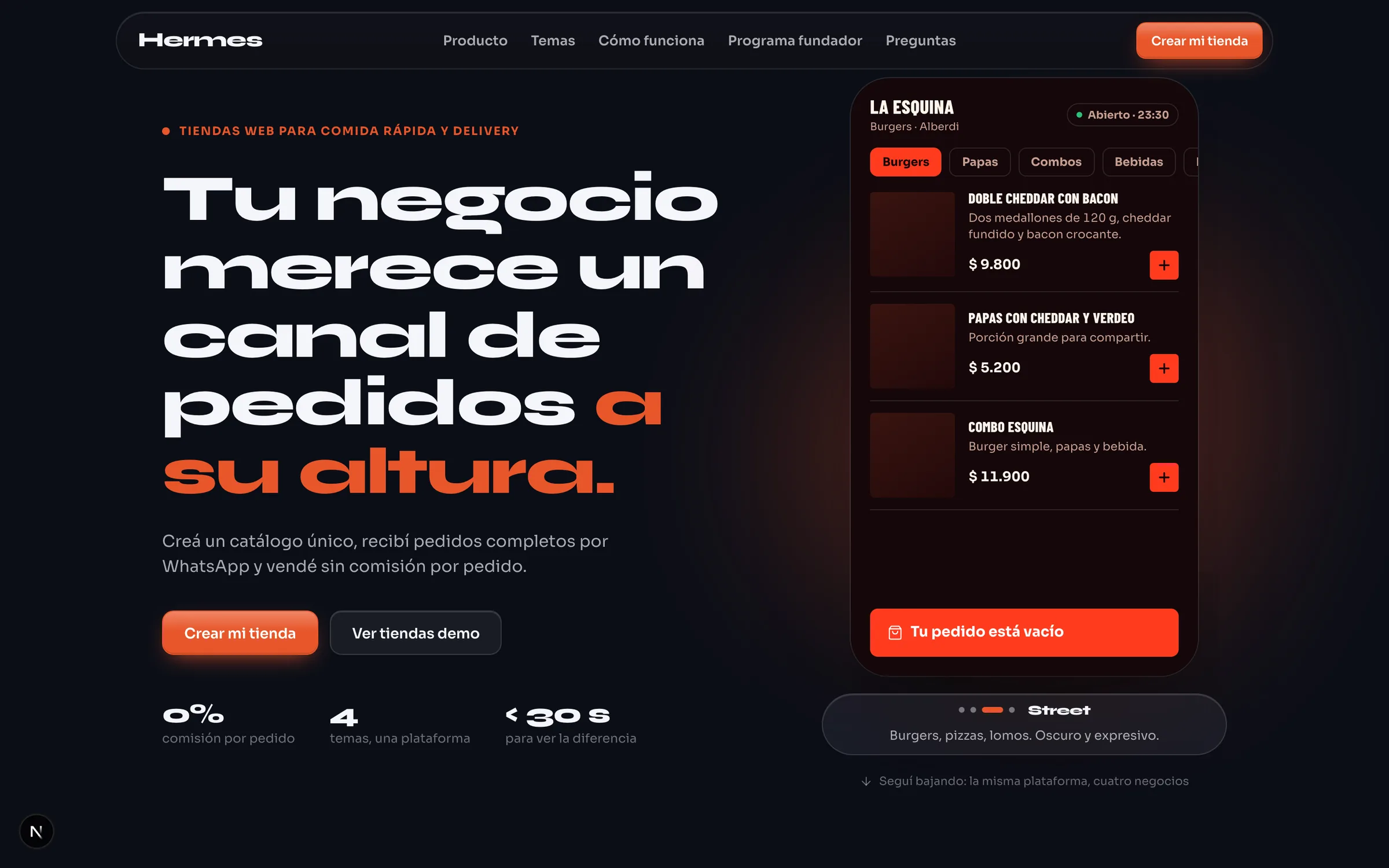
The landing tells it literally: it opens at night with the Casa Umi storefront on a phone and, as you scroll, it crossfades into day, where the four demo businesses appear. The whole fade is one variable, --day-mix, moving background, text and surfaces at once.
More decisions on record than screens.
A pnpm monorepo: the panel, the database package and the design system. Next.js 15 with React 19 and TypeScript 5.9; Tailwind 4 and Radix in the panel; CSS Modules over the Cristal Preciso tokens in the landing. Drizzle on PostgreSQL with row-level security across 35 tables and two database roles; Supabase for e-mail code sign-in and storage; Vercel for hosting.
Before there are users there are 396 test cases in 41 files, four end-to-end specs with Playwright, 56 architecture decisions on record, 22 open questions, 20 design canvases and 103 commits. The order is deliberate: decisions first, screens after.
- 35
- tables with RLS
- 396
- test cases in 41 files
- 56
- decisions on record
- 22
- open questions
No users and no revenue yet: an own product in development.
The panel screens are design canvases; the landing runs.